Accounts & security
Signing in, passwords and languages
1 · Sign in
Every admin and worker page starts with the sign-in box: e-mail and password. Your sign-in is kept by this browser and shared by all its admin tabs — a new tab does not ask for the password again; Sign out (at the foot of the side menu) ends it in every tab. After 5 wrong tries from one place you must wait a little.
Nothing else signs you out: not a sign-in on another device, not the website in the same browser. If the internet drops for a moment, or the server is busy or restarting for an update, the page keeps your sign-in, says so in the sign-in box and tries again by itself — no password needed.
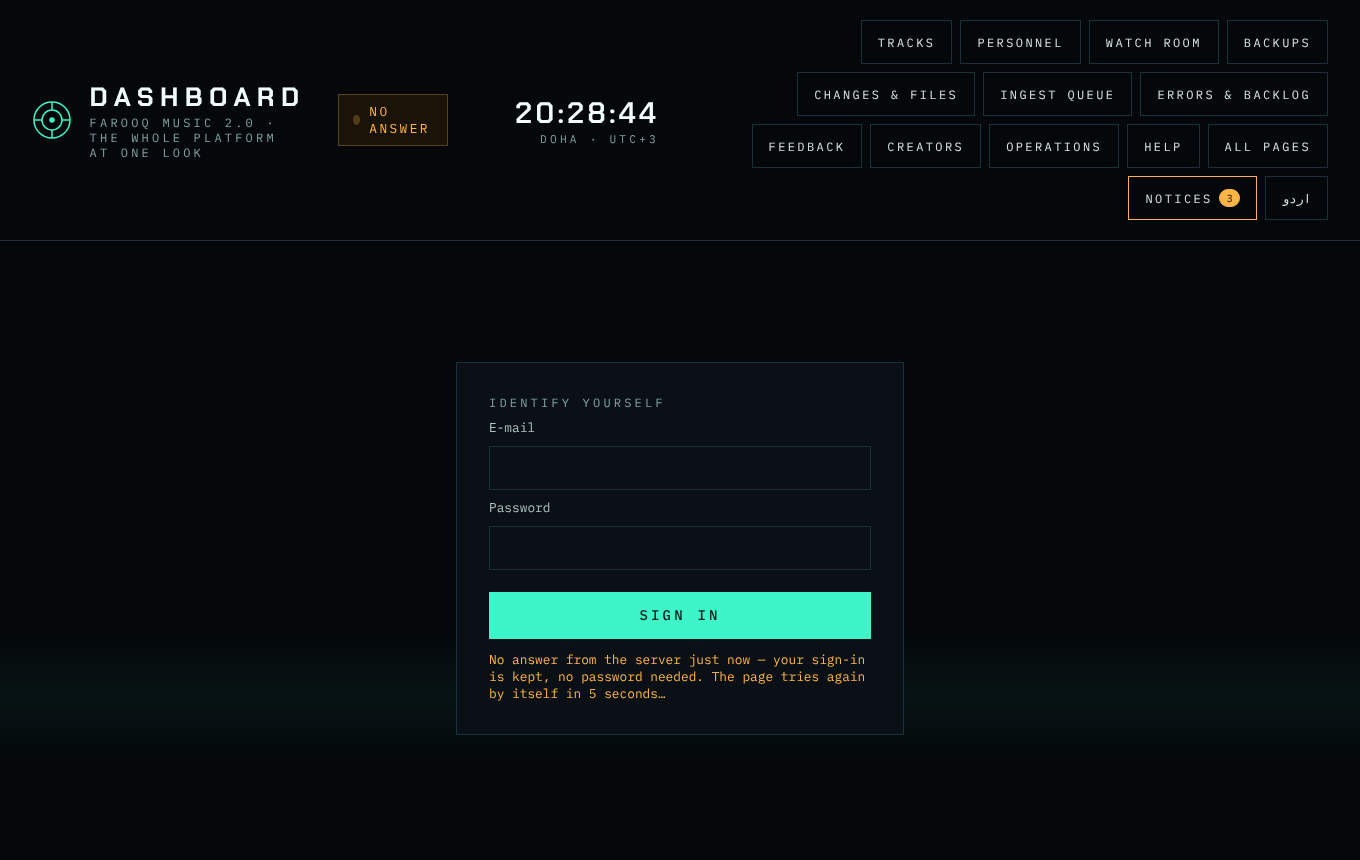
When a sign-in does not work, the box says why: the e-mail or the password is not right · too many tries (and how many minutes to wait) · the account is blocked · this internet connection is blocked · the server had a problem · no internet.
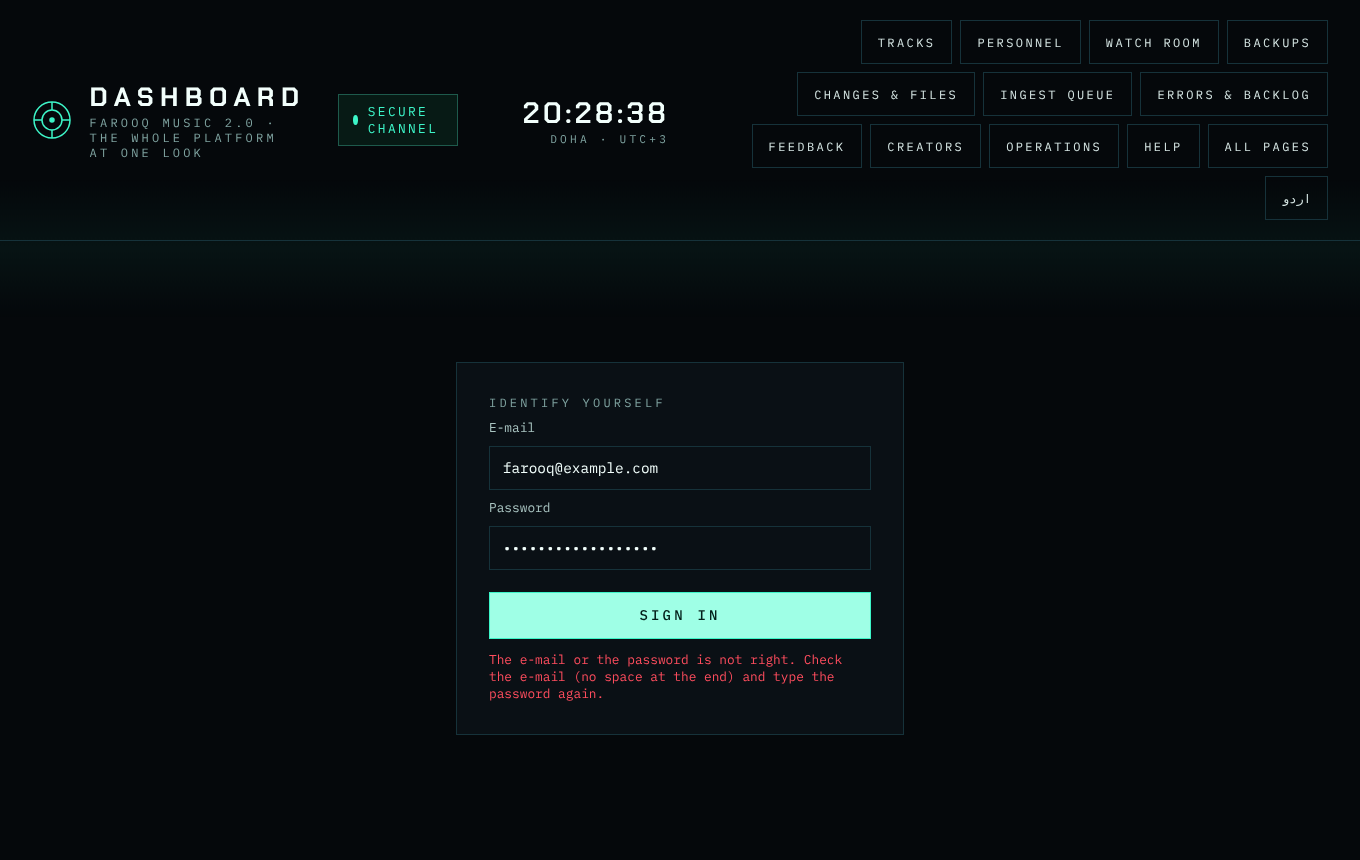
When the box says your devices are full
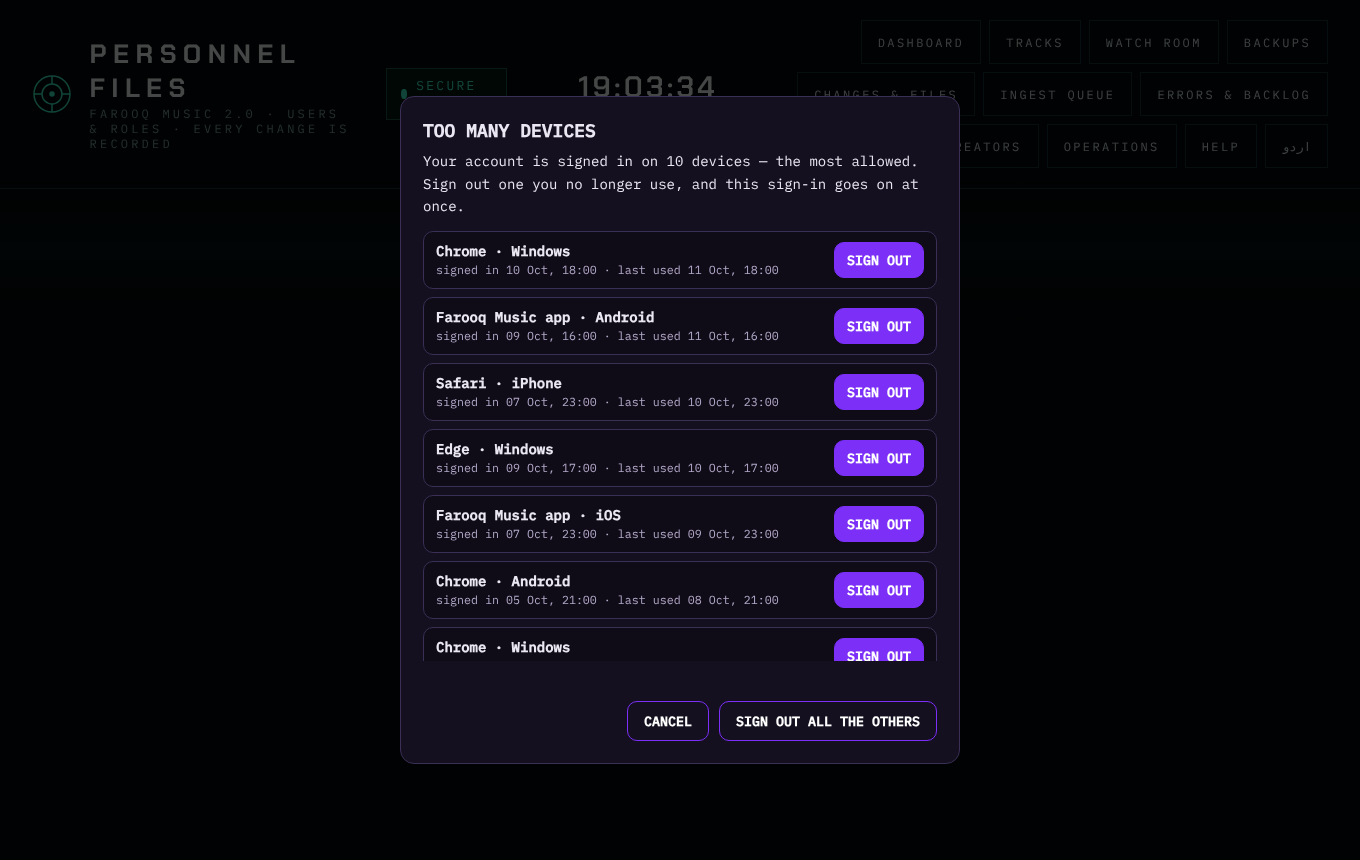
One account may be signed in on 10 devices at a time — each browser counts once (all its admin tabs and the website in it together: they share one device number), and each phone or tablet app once. When all 10 are taken, the box shows the list: press SIGN OUT next to one you no longer use, or SIGN OUT ALL THE OTHERS — and your sign-in goes on at once. The same list is on the website: Account → My devices.
2 · Forgot password
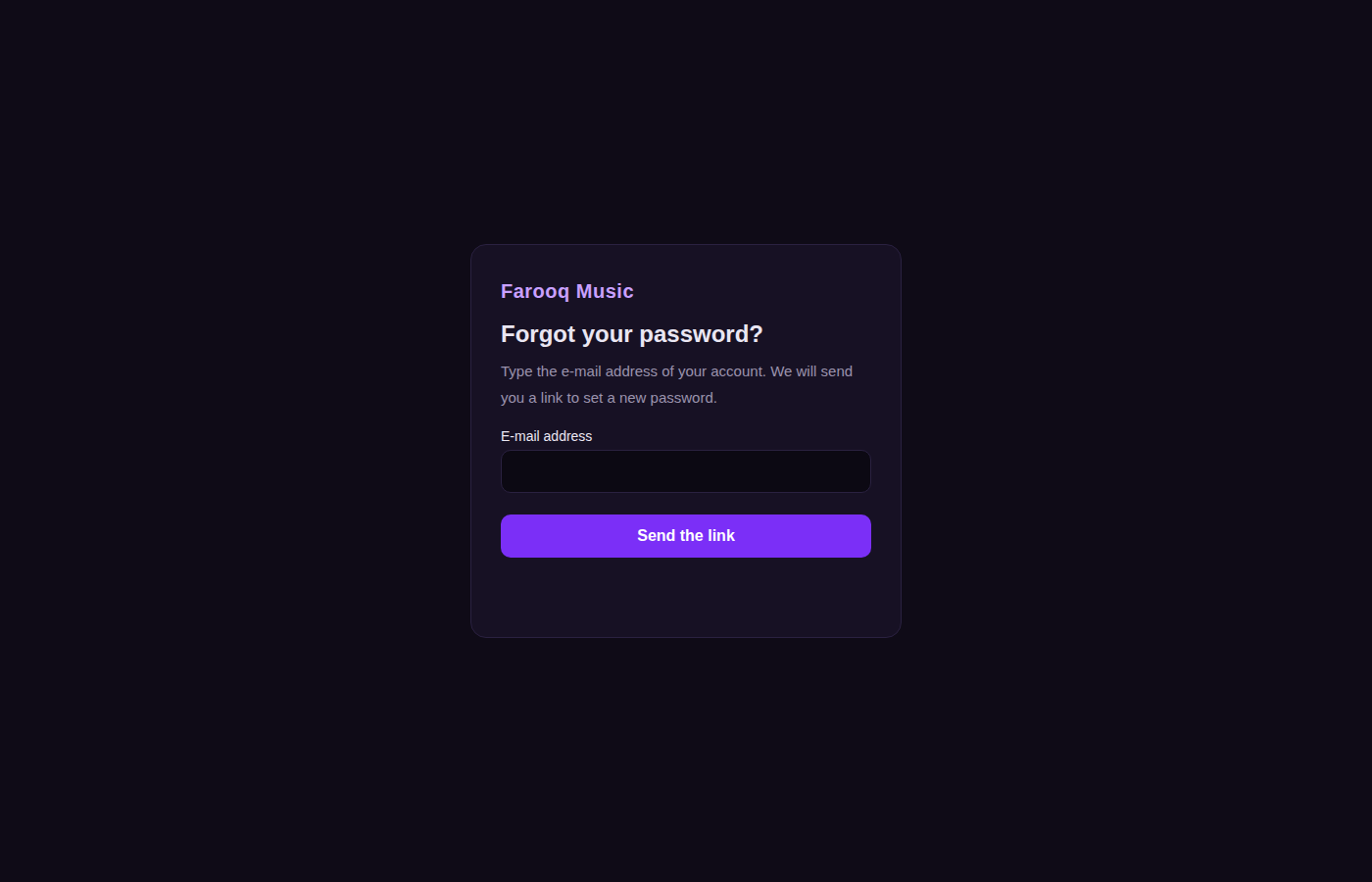
Open stream.farooqmusic.com/account/en/forgot-password, type your e-mail, and a link comes by mail (60 minutes, once). Set a new password: at least 10 characters, not your name or e-mail, not a common one. You are then signed out everywhere and a confirmation mail follows.
3 · Languages
Every page exists in one language at a time — English or Urdu — never mixed; the address carries it (/en/… or /ur/…) and the language button in the side menu switches. Mails speak the language of the page you used.