Listening (the website)
Listening on the website — home, search, a song, your library
What it is. The website is the face of Farooq Music for listeners. Every page asks the same engine the admin pages use, so what the admin publishes is what the listener sees a moment later. Every page exists in English and in Urdu — one language at a time; the other is one link away in the top corner.
Who sees it. Everyone. A guest can look, search and listen. Signing in adds likes, saved songs, playlists, following and history.
Step 1 — Home
Open the website. The home page shows the newest songs, the most played, one row per language, and the genres. Every card plays on the ▶ button; the whole card opens the song page.
Step 2 — Search
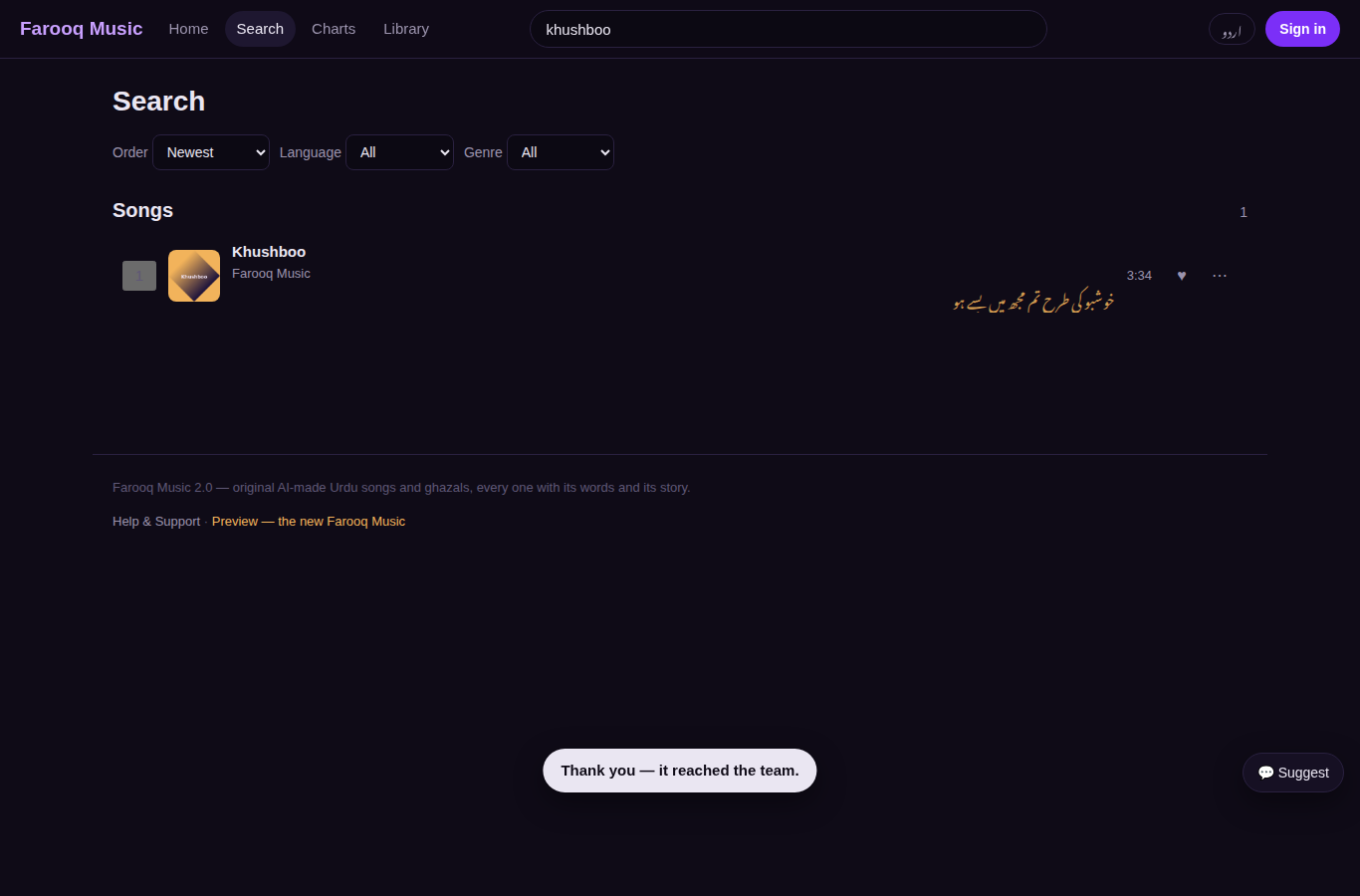
Type in the search box at the top: a song, an artist, an album — or a line of the words. A line of the lyrics is found too, with the moment it is sung. Without a word, the search page lists every song with filters for language, genre and order.
Step 3 — A song
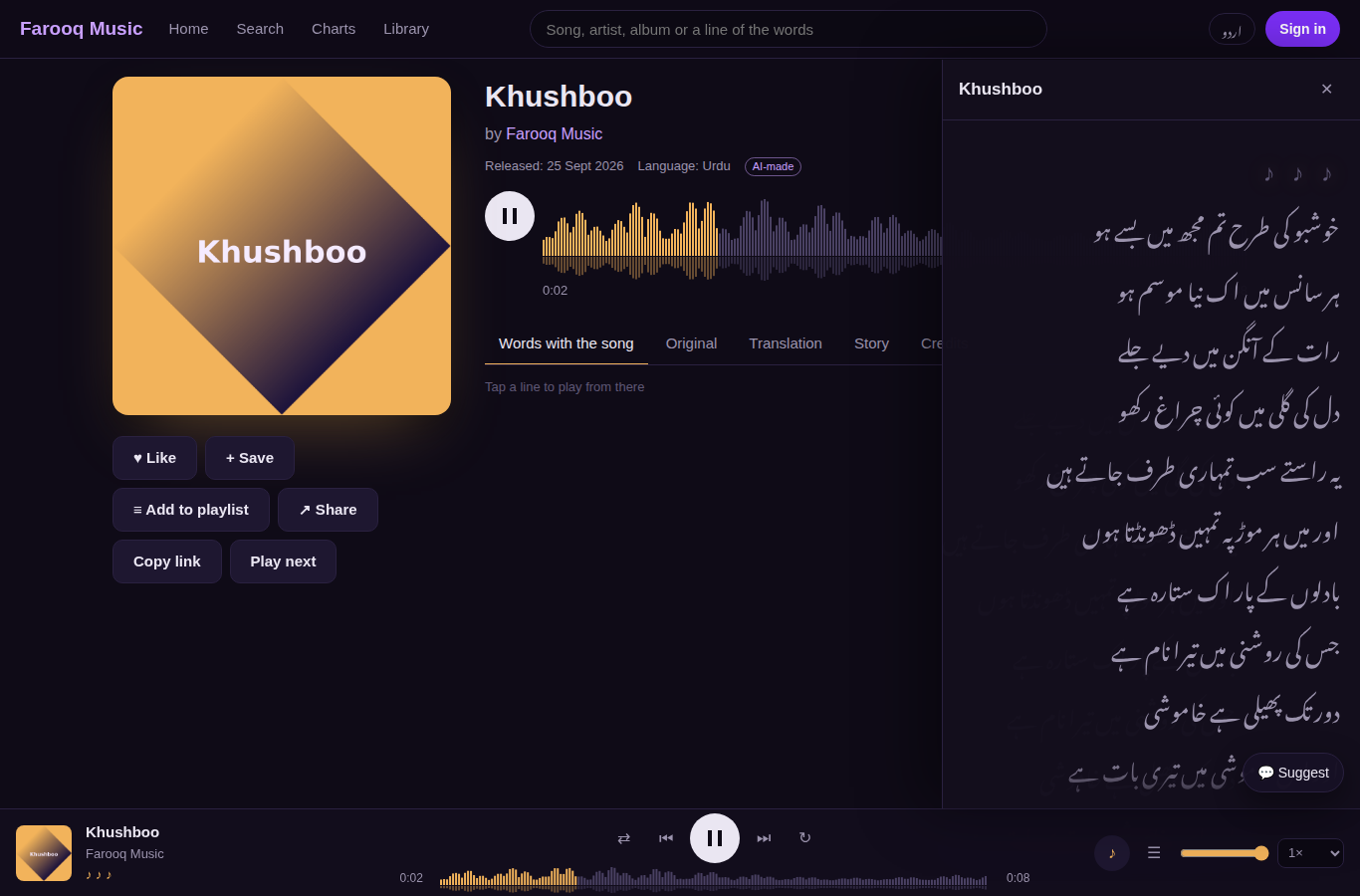
The song page: the picture, the waveform, play, and the tabs Words with the song (the line being sung lights up; tap a line to jump there), Original, Translation, Story and Credits (with the AI disclosure — never hidden). Below: songs you may also like, and more from the artist. The player at the foot of the screen keeps playing while you move around the site; ♪ opens the words, ☰ opens the queue.
Step 4 — An artist and an album
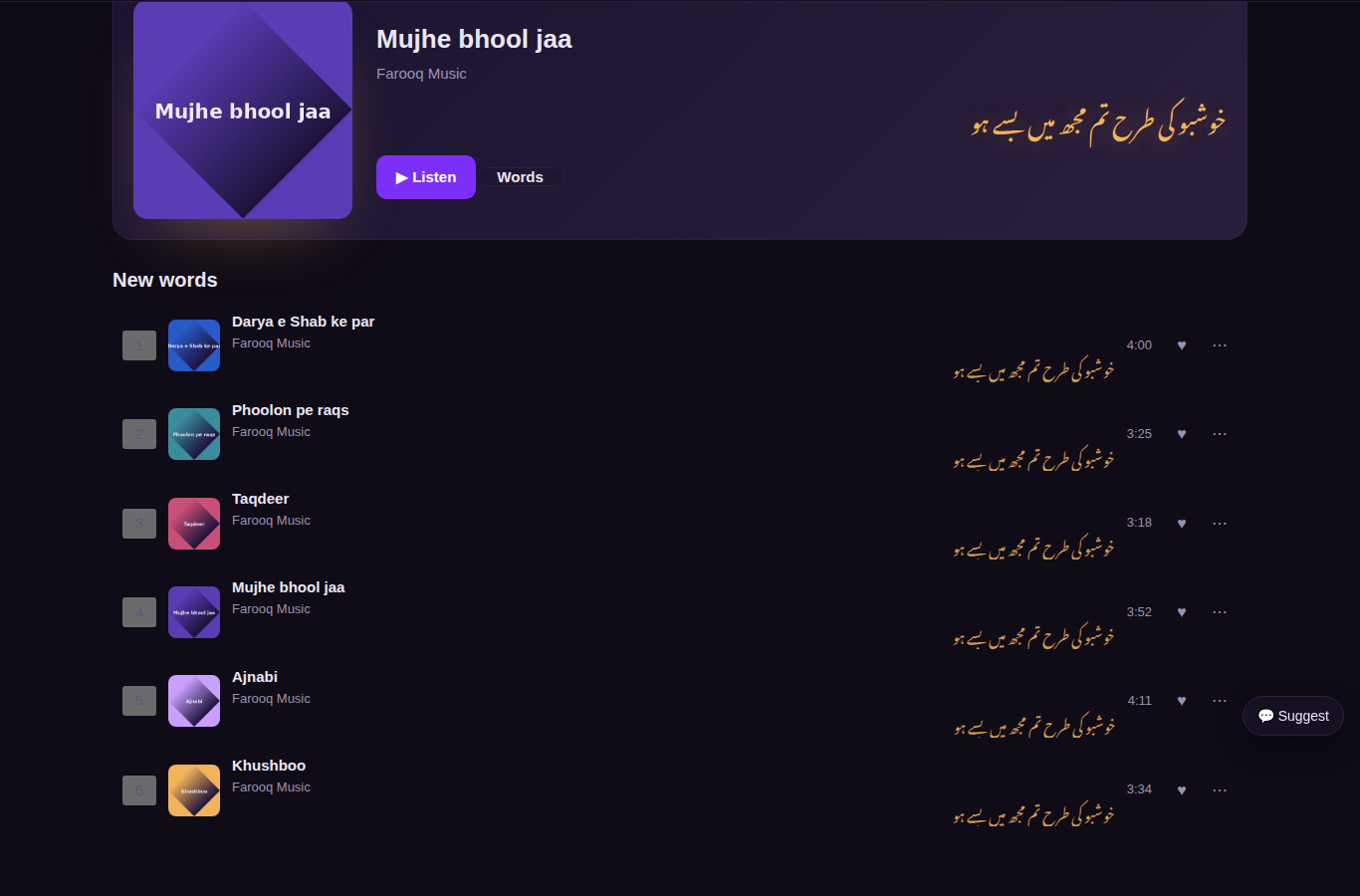
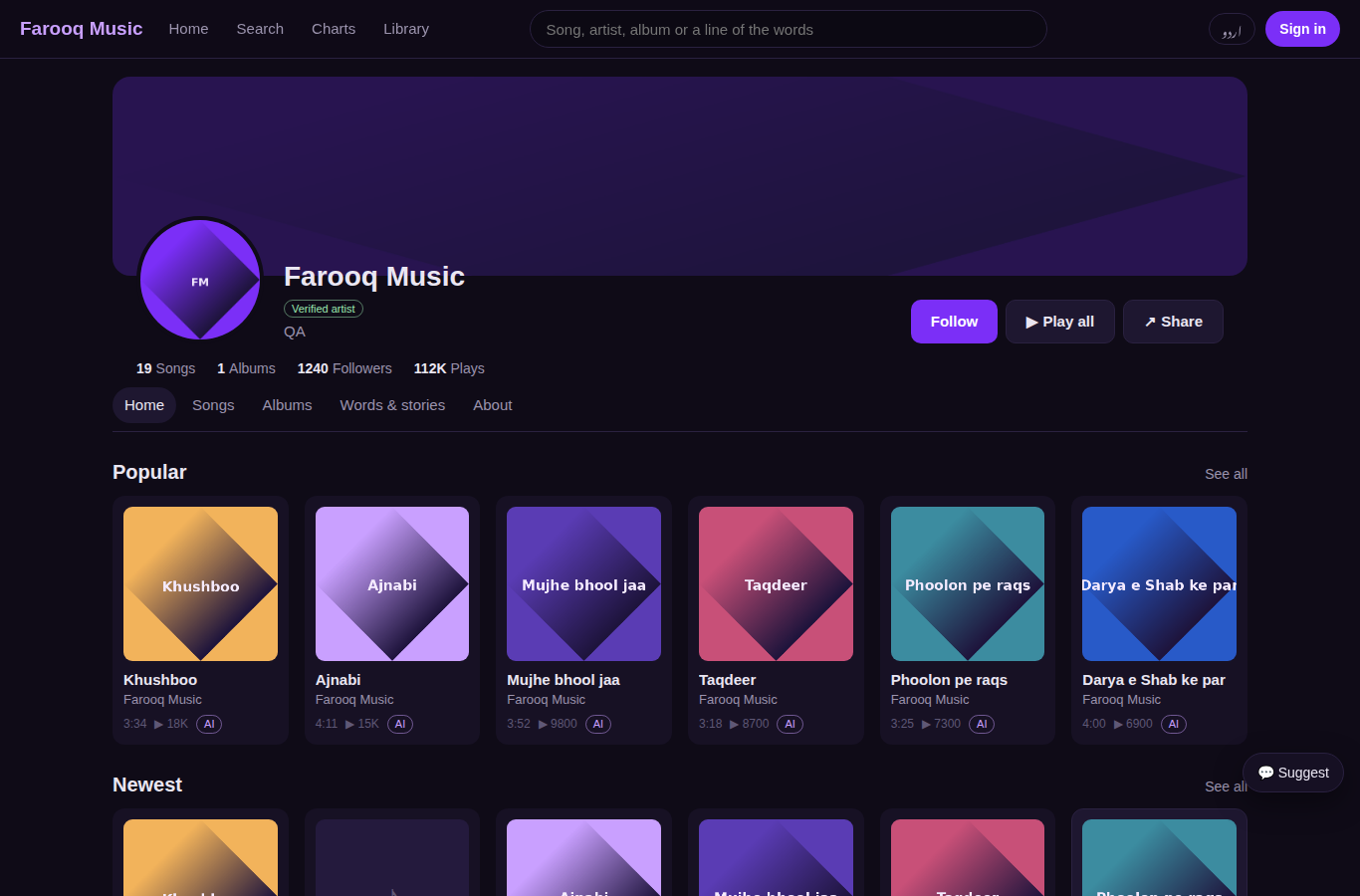
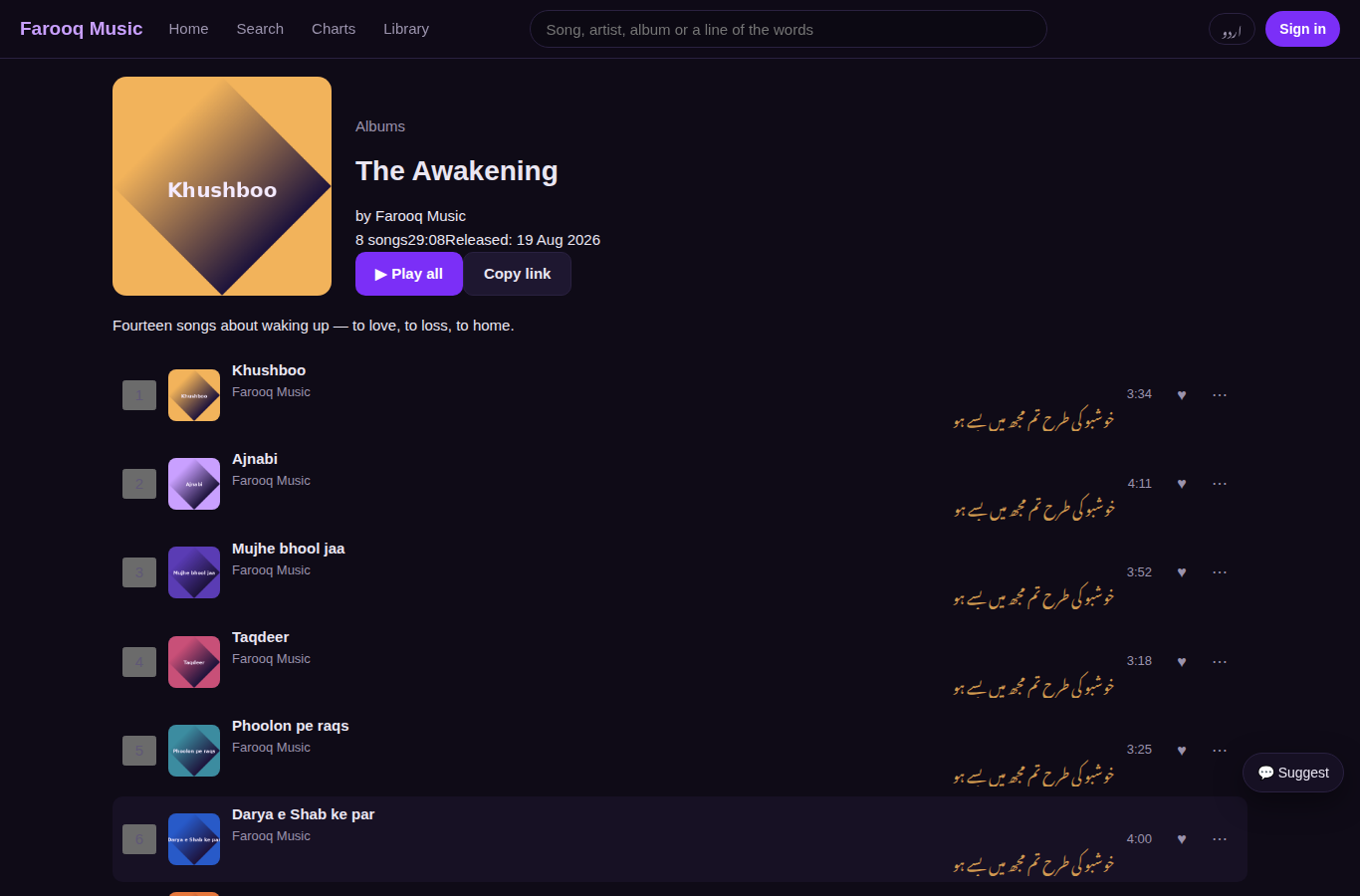
The artist page shows the banner, the counts, Follow, Play all, and the tabs Home · Songs · Albums · About. An album page lists its songs in order with Play all.
Step 5 — Sign in or create an account
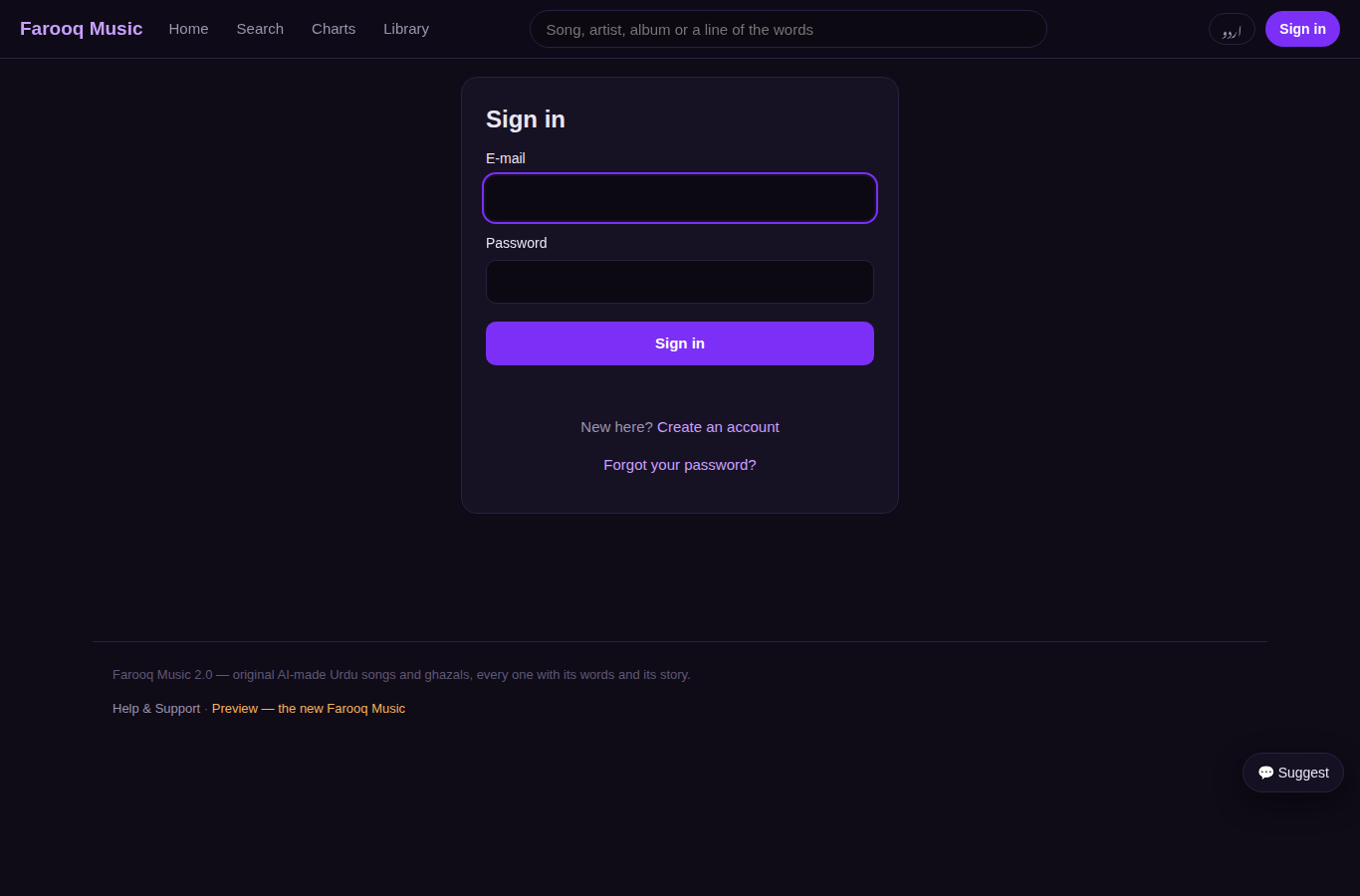
Account → Create an account: name, e-mail, password. A confirmation link goes to the e-mail. Likes are public appreciation; saved songs, playlists and history are private.
Step 6 — Your library
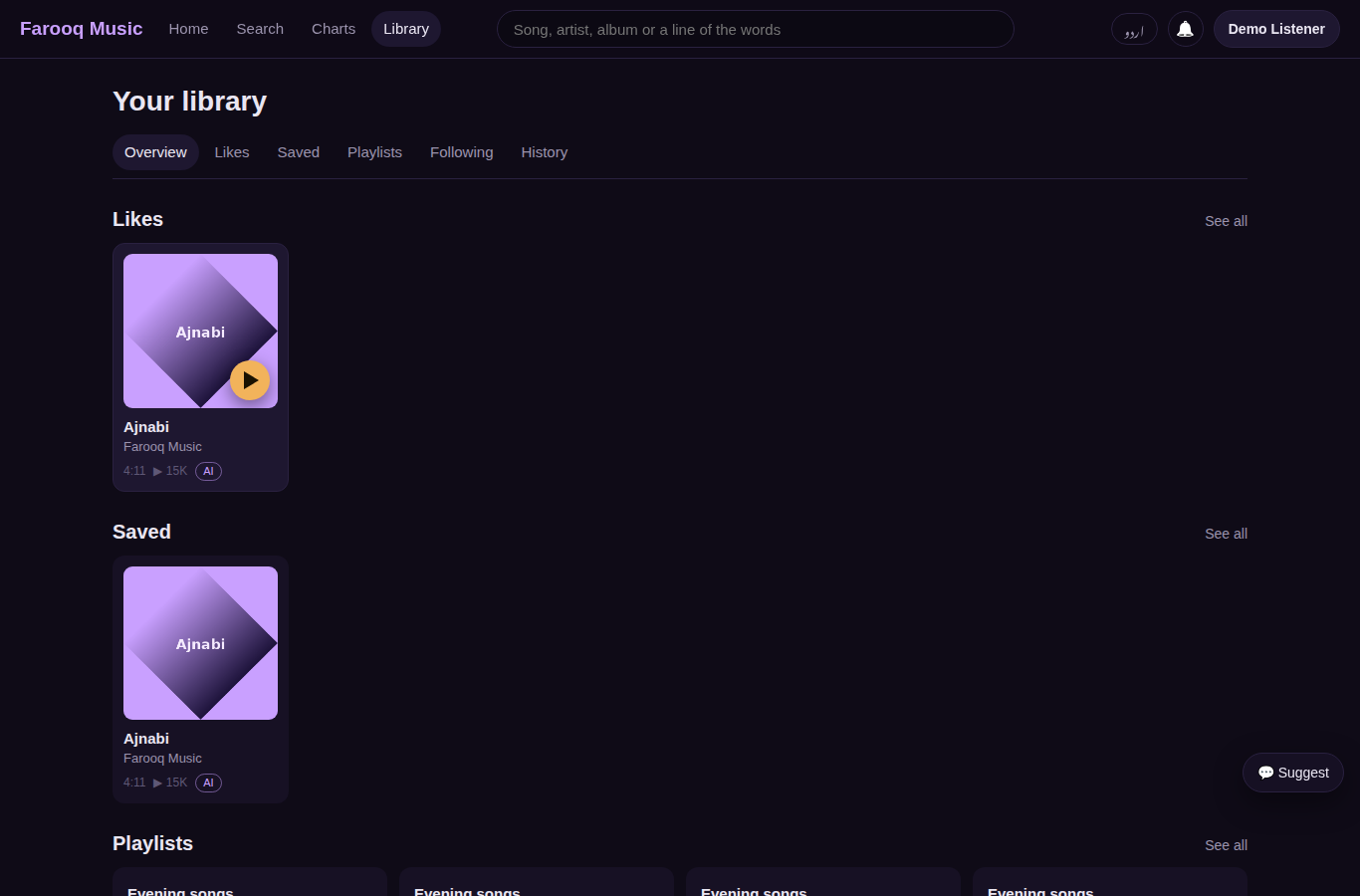
Library: Overview, Likes, Saved, Playlists, Following, History (grouped by day). Every song row has ♥ and ⋯ (play next, add to queue, add to playlist, save, share, copy link).
Step 7 — Playlists
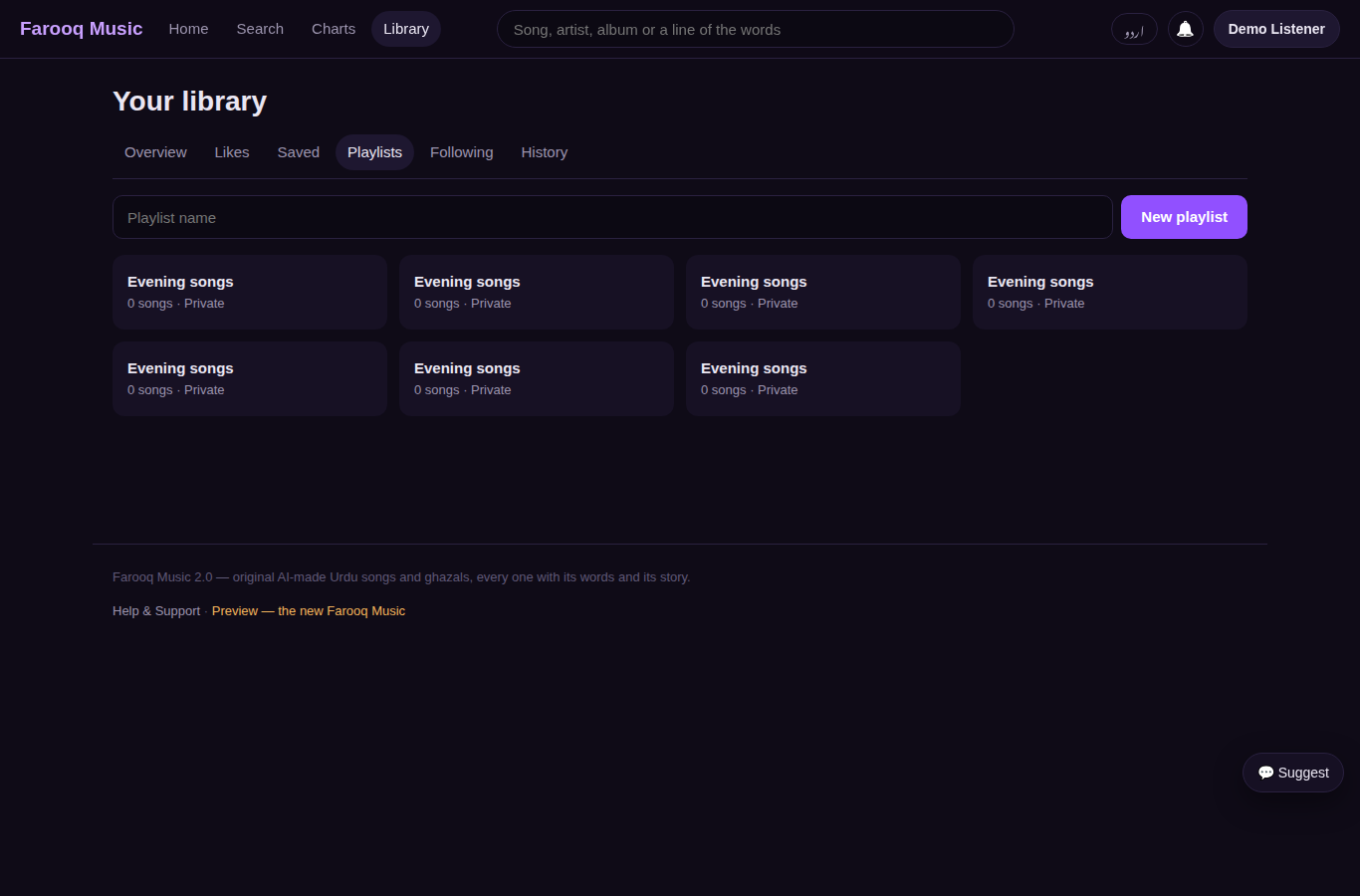
Library → Playlists → type a name → New playlist. On a playlist page: play all, make it public or private, delete it; ⋯ on a row removes the song.
Step 8 — Tell us what the screen needs
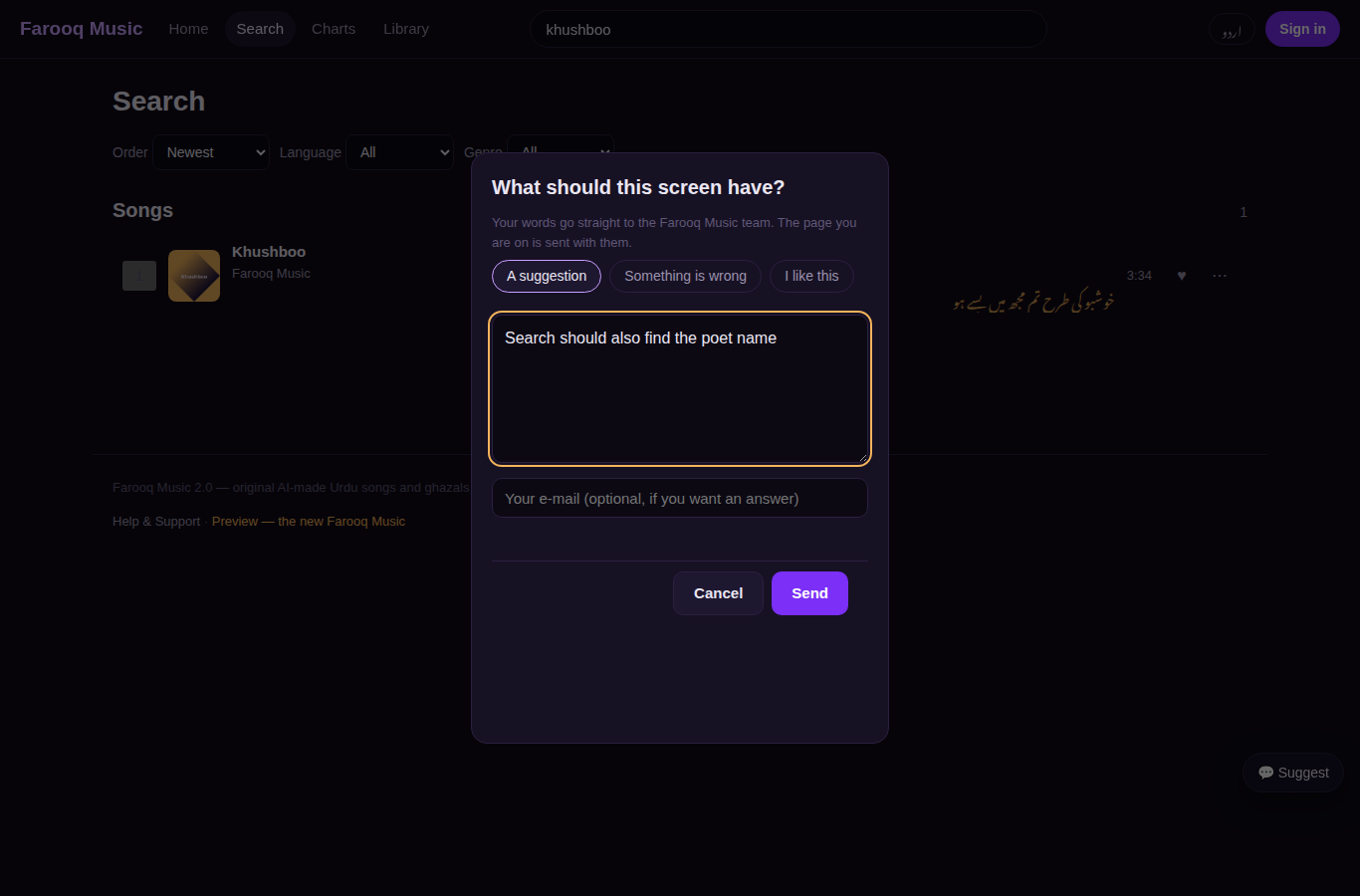
On every screen there is a 💬 Suggest button (bottom corner). It opens a small box: a suggestion, a problem, or "I like this" — write in any language, leave an e-mail if you want an answer. The page you were on is sent with it. The team reads every message on the admin page Feedback & messages.
Step 9 — On the phone
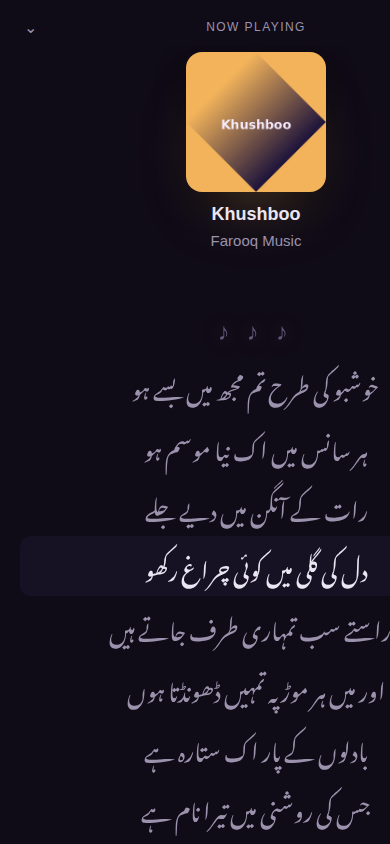
On a phone the tabs Home · Search · Library · Account sit at the bottom, with the player strip above them. Tap the strip → the full-screen player: the cover, the words filling the screen with the line being sung lit, the waveform, the controls, and ♥ · save · playlist · share underneath. ☰ opens what plays next.
Step 10 — Words & stories of an artist
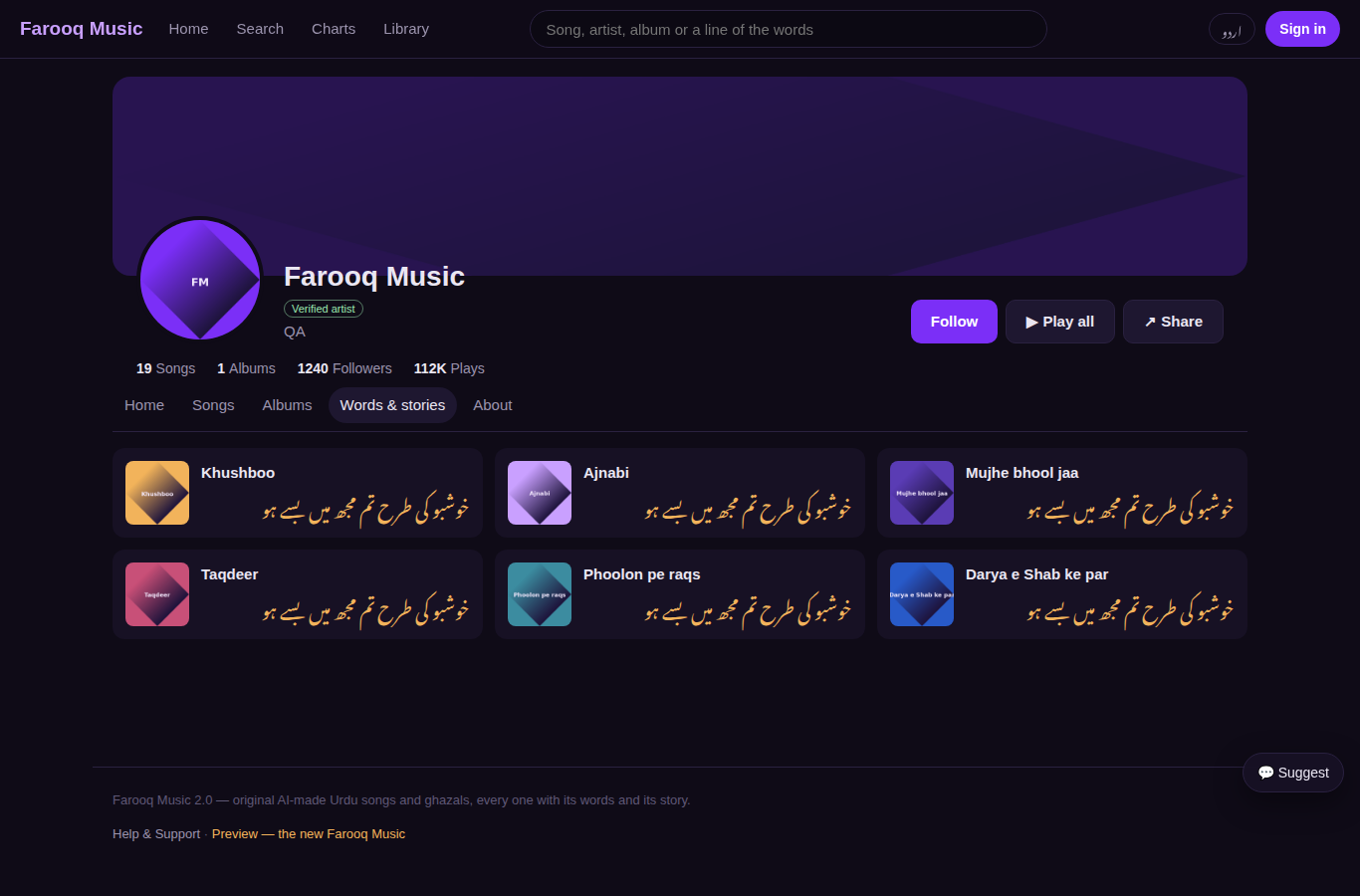
On an artist page the tab Words & stories shows every song as a page of a book: the cover, the title and the first line of the words. Tap a page to open the song.
Not yet on the website (coming in the next steps of the plan): comments, messages, stations, reposts, offline listening, "why am I seeing this".
Step 11 — Charts by language, genre and country; more search filters (new 1 Oct 2026)
Charts has tabs: All · By language · By genre · By country. Under the language, genre or country tab press one chip — for example Qatar with its flag — and the list shows the songs most played there (country charts use the live plays with their place). Search has more filters next to language, genre and order: Year, Length (under 3 minutes, 3 to 6, over 6), Made with (Suno AI, Udio, or made by people), Words (clean or explicit) and Artists (verified only). Under the filters the mood chips (#sad, #romantic, #sufi …) keep only songs with that tag; press it again to take it off. On a song page: From the album … links the album the song is on (with its place), and Release details opens the label, ISRC, release dates, publisher, ℗ and © lines and the licence.
Step 12 — Save albums, follow playlists, make a playlist together (new 1 Oct 2026)
- On an album: + Save album — the album goes into Library → Albums (Albums I saved). Press again to take it out.
- On someone's public playlist: + Follow playlist — it shows in Library → Playlists (Playlists I follow).
- On your own playlist: 🖼 Picture gives it its own picture; 👥 Collaborators — type a person's @name and press Add; they may add, remove and reorder the songs (you alone change the name, picture and who can see it). They find it under Playlists I help with and can leave it any time.
- Drag a song in your playlist (or one you help with) to its new place — the order is saved at once.
Step 13 — Feed, Trending, "Because you liked", Repost and comments at a moment (new 1 Oct 2026)
- Home now shows 🔥 Trending (the songs most played in the last 7 days), 📰 Feed (new songs of the artists you follow, and what they reposted) and Because you liked … rows made from your newest likes.
- Library → 📰 Feed is the whole feed, newest first, with Load more.
- On a song: the repost button (two arrows) passes the song on — it appears on your page's Reposts tab and in the feed of the people who follow you; the artist is told. Press it again to take it back. The number next to it is how many reposts the song has.
- Comments at a moment: when you write a first comment while the song plays, tick at 0:42 of the song — the comment carries that moment. It shows a ▶ 0:42 button (it plays the song from there) and a small picture of you on the song's waveform at that place.
Step 14 — Messages, notices you choose, blocking (new 1 Oct 2026)
- ✉ in the top bar shows your conversations (a red number = unread). All messages opens the Messages page: your conversations on one side, the open one on the other. + New message: write the person's @name and your words. On someone's profile page press ✉ Message.
- In a conversation: Enter sends (Shift+Enter makes a new line); × under your own message takes it back; 🔕 Mute stops the notices of that conversation; ⛔ Block closes messages in both directions.
- Account → 🔔 Notices: switch each kind of notice on or off, on the site (the bell) and by e-mail — Comments and mentions, Reposts and playlists, Messages, Team and work, My songs. Account and safety notices always reach you.
- Account → ⛔ Blocked people lists the people you blocked, with Unblock.
Step 15 — Like and comment from the player bar (new 1 Oct 2026)
The player bar at the bottom has ♥ (like the song that is playing — press again to take it back) and 💬 (opens the song's page at the comment box). The music keeps playing.
Get the app · WhatsApp Channel · Farooq Music everywhere (1 Oct 2026)
The home page has a band under the welcome box: Get the app (App Store and Google Play), Join our WhatsApp Channel (the green button), and Made music with AI? which opens the new-user guide. The bottom of every page has the same apps and channel, plus Farooq Music everywhere (Spotify, Apple Music, YouTube Music, Amazon Music, Deezer, TIDAL, Anghami, SoundCloud, and the YouTube, Facebook, Instagram and TikTok pages) and Support Farooq Music (Buy Me a Coffee, PayPal). An artist who adds a WhatsApp Channel link to the profile gets a Join my WhatsApp Channel card on the artist page. The addresses live in one place on the server (config fm2.site_links). Urdu text on the website uses the same letters as farooqstars.com — Noto Naskh, a little larger, easy to read in boxes and lists.
Google, share cards and the old links (package 065)
Every page now tells Google, WhatsApp and Facebook what it is before any script runs: its own title and description, its one true address, the same page in the other languages, and a share picture — a song shows its own cover when its link is pasted in WhatsApp. Google reads /sitemap.xml (every song, artist, album and public playlist in every language). Until the website is opened to the world, /robots.txt asks search engines to stay out; on go-live day one setting opens it.
Every link of the old farooqmusic.com keeps working on the new website: the short links /l/… (words), /s/… (story), /t/… and /p/…, the old lyrics.php and share.php links and /?track=… open the same song; privacy.html and terms.html open Terms & privacy. The old website's offline helper in returning visitors' browsers is switched off by itself, so nobody sees an old copy.
Going live on farooqmusic.com (package 068)
The server is ready to take farooqmusic.com by itself. Once the owner points the address at the new server (and the old website is kept under old.farooqmusic.com), a watcher that looks every minute gets the certificate, turns on the full site, switches every link, mail and sound to farooqmusic.com, opens the site to search engines and e-mails the admin. Nothing old breaks meanwhile: until the address moves, the old website answers as before; after it moves, the published app's doors (mobile.php …) and every old file are passed to the old website, and every old song link opens the same song on the new one. www.farooqmusic.com goes to farooqmusic.com; the stream address's pages follow to the new address too.