Getting started
Help & Support — how to reach us
What it is. Every way to get an answer on Farooq Music, from the quickest to the most direct.
Can't sign in? Read this first
Wrong password, too many tries, e-mail not confirmed, account blocked, a two-step code that does not work or a lost phone — Can't sign in? Check this first shows what each message means and how to fix it yourself. If it does not help, it tells you exactly how to write to support@farooqmughal.net (always from your account's own e-mail).
1 — The help pages
Help & Support (bottom of every page) has an article for every part of the platform — listening, your account, membership, uploading, your Studio, teams. Type a word in the search box at the top of the help page to find the right article.
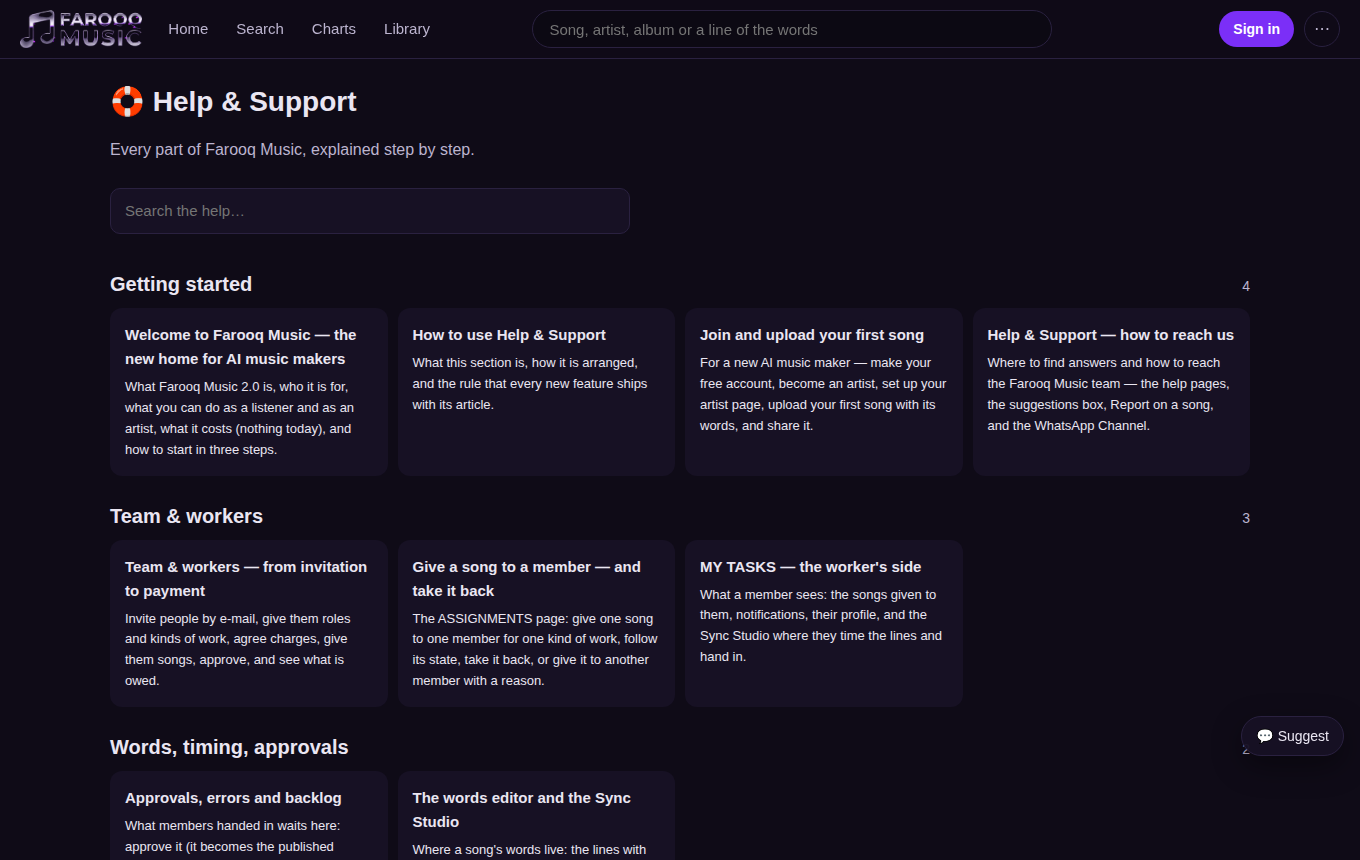
2 — The suggestions box (💬 on every page)
The round 💬 button at the bottom corner of every page opens a small form. Choose Suggestion, Problem or Praise, write what you need, and (if you want an answer by mail) your e-mail. The team reads every message; the page you were on is sent with it, so you do not have to explain where you were.
3 — Report a song
On a song's ⋯ menu, Report tells the team about a song that breaks the rules (not the uploader's own, offensive, wrong words, broken sound). The team looks at every report.
4 — The WhatsApp Channel
Join our WhatsApp Channel (the green button on the home page, at the bottom of every page and on this help page) — news of the platform, new features, and notices when something is being fixed.
5 — The app
Farooq Music on your phone — the Google Play and App Store buttons are at the bottom of every page and on the home page.
Coming soon
A support desk where your questions get a ticket number and an answer you can follow.